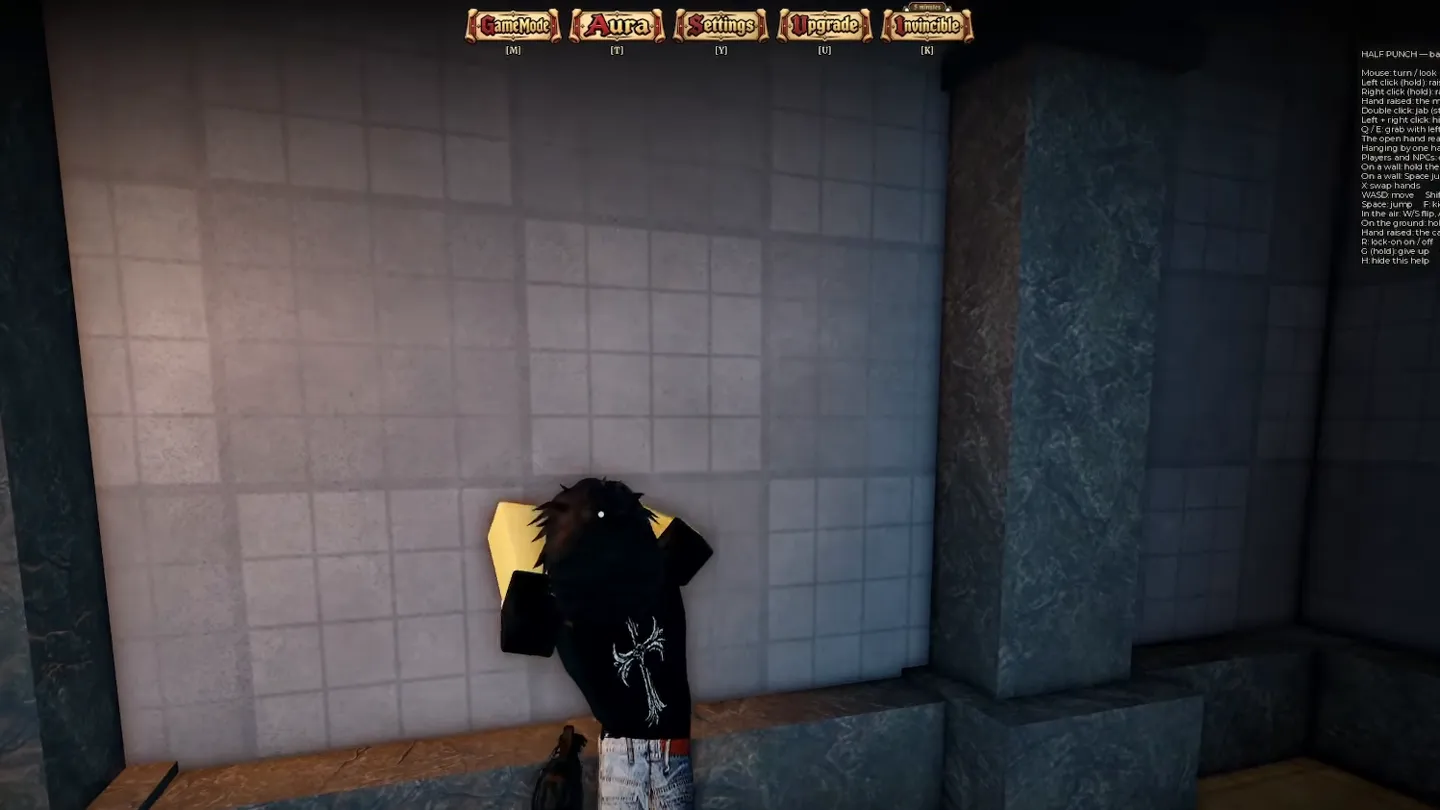
Controller (from the in-game panel)
| Input | Action | When it applies |
|---|---|---|
| Left stick | Move | Always |
| Right stick | Turn the camera | Always |
| Hold RT / LT | Raise right / left hand | Before a punch or a grab |
| Tap RT / LT | Right / left hook | Hand raised or not |
| Double-tap RT / LT | Jab | Quick range check |
| RT + LT | High guard | Drops when you release one trigger to hit |
| Y + right stick | Let go | While holding someone or a ledge |
| A | Jump | Always |
| X | Kick; on a wall run, flips left / right / left | Ground or wall |
| B (hold) / RB | Crouch / crouch toggle | Ground |
| Y on the ground | Flip left / right / left | Ground |
| Right stick flick | Cartwheel | Moving |
| D-pad left / right | Swap hands | Always |
| D-pad up | Hide help; respawn when downed | Downed or menu |
| Hold a direction | Get up | After a ragdoll |
| Hanging-arm trigger + right stick | Pull up or let go on a wall | Hanging from a wall |
One transcription says you raise a hand and then flick the right stick to punch; most transcriptions say you tap the same trigger. I list the tap version because more sources agree on it.
PC keyboard and mouse (player reports)
| Key | Reported action | Who reports it |
|---|---|---|
| WASD | Move | Community guides |
| Mouse | Camera | Community guides |
| Left / right mouse | Punch with that hand; one guide says right click is the jab | halfpunchgame.wiki, halfpunchwiki.wiki (they disagree on the jab) |
| Q / E | Grab with left / right hand | ItzVexo’s video, halfpunchwiki.wiki |
| F | Kick | halfpunchwiki.wiki |
| Shift | Sprint | Community guides |
| R | Lock on | Community guides |
| X | Swap hands | Community guides |
| G | Break free from a grab | One creator only |
Mobile touch (player reports)
Players describe the standard Roblox layout: a virtual stick on the left, camera drag on the right, a main punch button, and separate grab and kick buttons where the game shows them. The game page does not list supported devices, so I do not promise a mobile layout beyond that. Lower the camera sensitivity in Roblox settings first; most “my punches miss” reports on phones are camera swings.
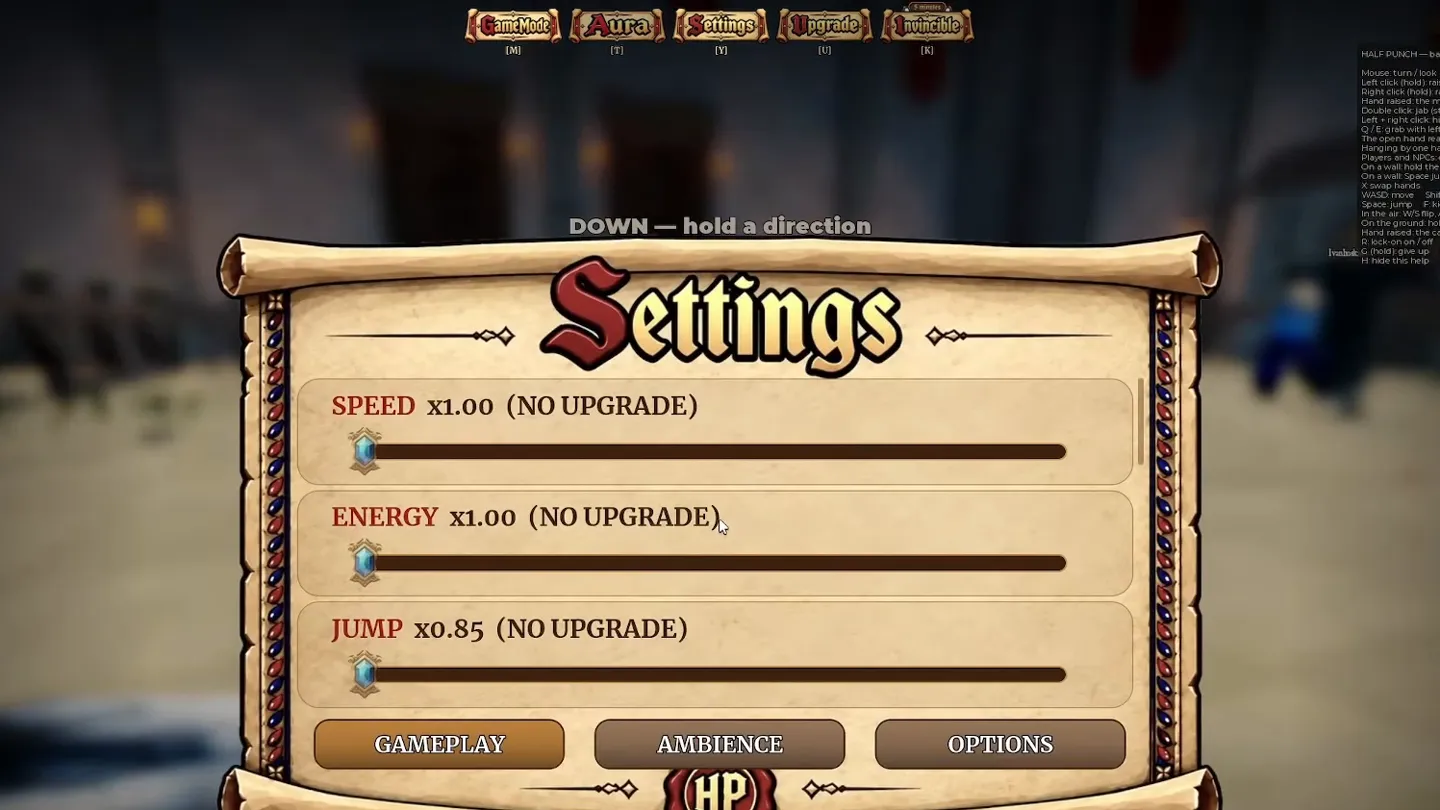
Why a button is not working
| Problem | Likely cause | Fix |
|---|---|---|
| Guard drops when I punch | Guard is both triggers; a punch releases one | Re-guard after every string |
| First click does nothing on PC | The click only focused the window | Click once into the game before fighting |
| Punches miss | Camera or range | Lower sensitivity; jab to find range |
| Grab will not catch | Timing or the grab cooldown | Grab after a whiff, then wait out the cooldown |
| Menu button opens something else | Controller software remapped it | Turn off the remap and reopen Roblox |
| Feel changed after an update | The record was updated | Reopen the help panel and re-run a bot drill |
Your first five minutes
- Join a public server, or a private server if you own the pass and want bots.
- Walk toward someone and raise one hand (hold the trigger or mouse button).
- Jab first; if it lands, follow with a hook from the same distance.
- If they swing and miss, step in and grab, then choose a throw or release promptly.
- After any jump or dropkick, land on your feet — a head-first landing knocks you out.
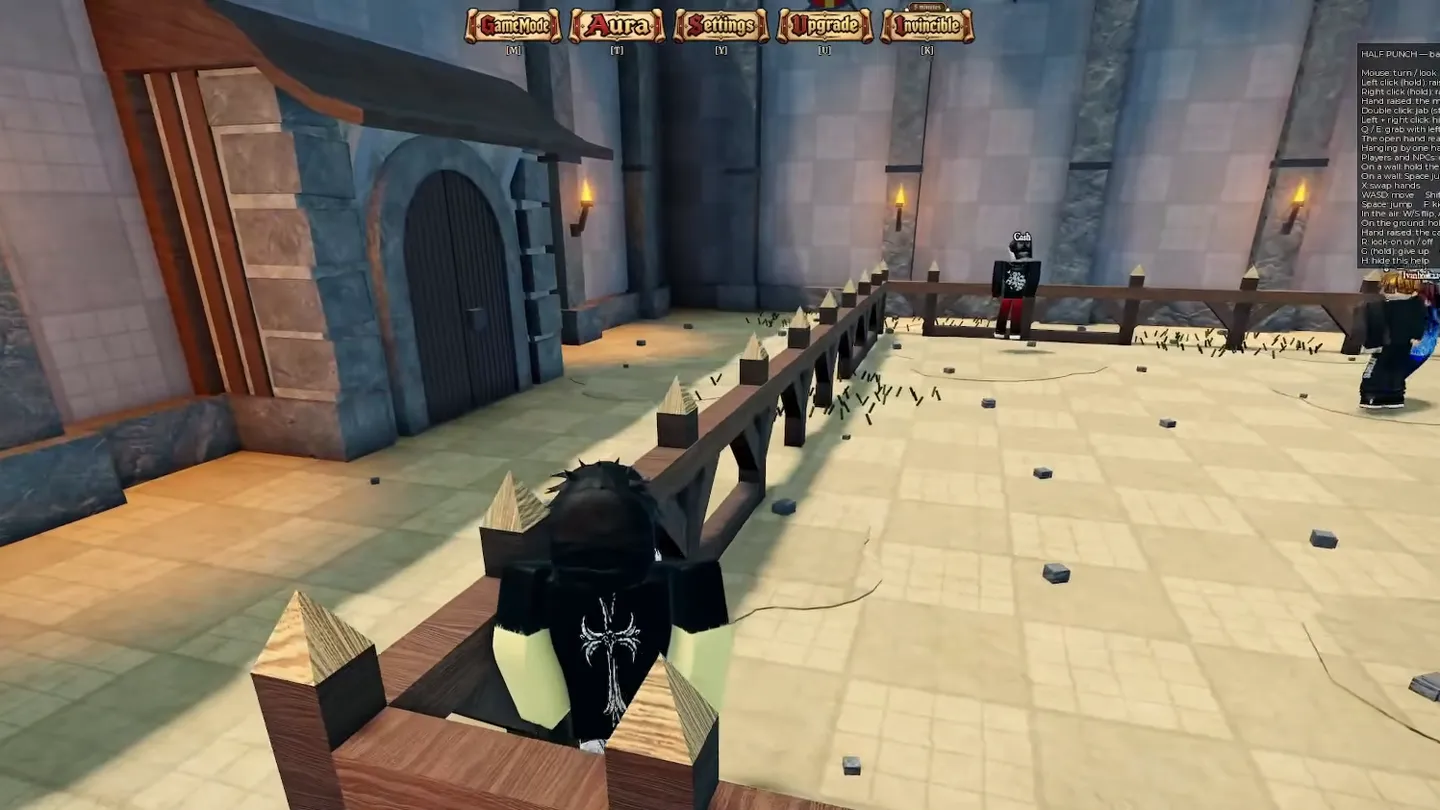
Gameplay video
FAQ
How do you punch in Half Punch?
Hold the trigger (or mouse button) to raise a hand and tap it to throw a hook; double-tap for a jab.
How do you grab in Half Punch on PC?
Players and one creator video report Q and E for the left and right hand. The controller panel has no button labelled grab.
How do you block in Half Punch?
On controller, hold both triggers for a high guard. It drops when you release a trigger to punch.
Does Half Punch work on mobile?
The game page does not list devices. Players describe the usual Roblox touch layout with a stick, camera drag and action buttons.
Sources
- halfpunch.wiki — Controls — Line-by-line transcription of the in-game controller panel, updated 19 Nov 2026
- halfpunchwiki.wiki — Controls — Compares two controller-panel transcriptions (tap vs flick)
- halfpunchgame.wiki — Controls — Community-reported PC, mobile and controller binds
- halfpunchgame.wiki — Mobile Controls — The typical touch layout, marked community-reported
- halfpunchwiki.wiki — Tips and Tricks — Q/E grab, F kick, jump kicks from height
- halfpunchwiki.wiki — How to Play — Server choice, hold-then-tap punching, upgrade families
- halfpunch.wiki — Beginner Guide — First-fight steps and the four HUD tabs seen on 19 Nov
- ItzVexo on YouTube — “Half Punch Guide! (TIPS & TRICKS) ROBLOX” — Grab keys, grab cooldown, jump slam, head-first landing; the upgrade panel is visible on screen
- ItsChalls on YouTube — “Half Punch FULL GUIDE! (How To Combo, Controls, Tips & Tricks) ROBLOX” — Upgrade priorities, backflip and cartwheel kicks, G to break free (one creator)